

What to Look For in a GEO Service Provider Before You Sign On
Reads 492
31 Oct. 2024 - Michael Simonetti, BSc BE MTE - Total Reads 2,462
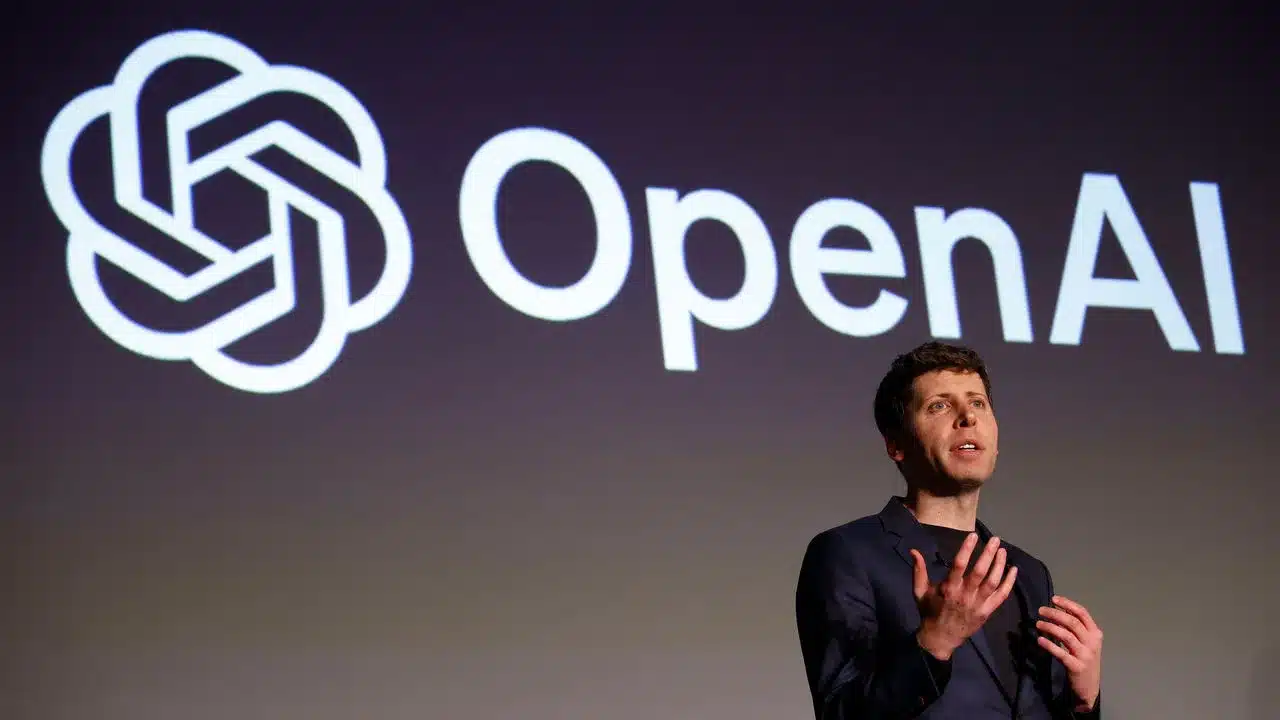
AI is no longer experimental — it’s operational. From internal workflows to customer service, sales, legal, and product, enterprise teams are racing to embed AI across their stacks. But while the demos are impressive, the reality of getting AI into production is far messier than most vendors admit.
At AndMine, we’ve deployed AI into real businesses — not just POCs and pitch decks, but actual systems with real users, legal constraints, and scale. Along the way, we’ve hit (and fixed) almost every implementation roadblock out there. And if you’re building anything serious with AI, you’ll likely hit them too.
This article is for devs, product owners, and digital leads who are past the hype and deep into delivery. We’re not talking about whether AI is “useful” — that ship has sailed. We’re talking about the hard stuff:
• Why does the AI forget what users told it?
• Why can’t it just fire a webhook?
• Why do outputs suddenly change after a model update?
• Why does legal still insist on human QA?
These problems aren’t theoretical. They’re practical, persistent, and often painfully underestimated.
So we’ve put together the 12 deadliest development pitfalls you’ll encounter when building enterprise-ready AI. Each one comes with a short explainer, so you can anticipate — or ideally avoid — them altogether.
A few are technical. A few are about architecture. A few are about trust, governance, or just how people interact with unpredictable systems. But all of them matter.
Ready to build smarter? Scroll on for the 12 pitfalls — and how to survive them.
Why does AI keep “Forgetting” things? …. Well, out of the box, AI APIs like ChatGPT or Claude don’t remember user sessions. There’s no persistent state across interactions unless you build memory into your application. This means every conversation starts from scratch unless you manage user context, history, and preferences through your own database or session layer. For enterprise apps that require continuity (think: returning users, follow-ups, task tracking), this is a critical functionality gap. Read more on this challenge.
AI is brilliant at conversation, but not so much at triggering structured actions. Getting it to pass clean variables — like a name, date, or task ID — back to your application reliably is harder than it seems. The AI needs to “know” when it’s supposed to extract and return structured data, and unless prompts are tightly controlled or wrapped in tooling (like function calling), the logic often breaks down or becomes unreliable. For more info on how AI should handle variables – read this article.
LLMs operate within a limited context window — the token budget. Once the conversation gets long, older messages are trimmed or forgotten, leading to broken logic or repetitive suggestions. If you want AI that “remembers” what users said five steps ago (or yesterday), you have to manually re-feed relevant info or create a smart memory layer. This adds complexity and affects performance. Learn about why AI forgets and how to stop it.
AI that’s powerful is often slow and expensive. GPT-4 is brilliant, but slower than GPT-3.5, and significantly more costly to run. In enterprise environments where speed is crucial (e.g. customer support, real-time tools), latency becomes a deal-breaker — but downgrading the model can reduce quality. There’s always a trade-off between output speed, response quality, and compute budget.
Real users don’t write clean prompts. They ramble, misspell, ask two things at once, or assume the AI knows their intent. Most enterprise UIs are built around structured input, but AI relies on natural language. Without pre-processing, prompt filtering, or guiding UI scaffolds, user inputs quickly derail results — making the AI feel inconsistent or “dumb” when it isn’t. Why real-world users confuse your AI — and how to make it bulletproof.
AI doesn’t do things unless you explicitly tell it how. For example, it won’t automatically send an email, submit a form, or move a lead in your CRM. That needs to be handled by your application logic, which interprets the AI output and connects it to workflow triggers. Bridging the gap between “AI says do this” and “system actually does it” is one of the hardest parts of building usable AI tools.
AI models don’t understand security boundaries. They might summarise confidential content, expose user data, or make inferences that violate privacy norms. In regulated industries (finance, health, legal), this becomes a major compliance risk. You have to rigorously control what data goes into the model and sanitise what comes out — often with multiple layers of redaction, access control, or classification logic.
One of the biggest risks in enterprise AI is hallucination — when the model makes up facts, figures, names, or references. It may look confident, but it’s just guessing. For internal teams, this causes inefficiency. For customer-facing systems, it can cause legal issues or reputational damage. Without clear disclaimers or human review layers, hallucinations can quickly erode user trust.
Unlike code, prompts aren’t tracked or versioned. A small change in wording can completely shift what the AI returns — and you may not notice until it’s broken. Worse still, when OpenAI or Anthropic update their models, outputs can subtly (or drastically) change without warning. There’s no built-in rollback system, so you need your own versioning process to manage prompts and workflows safely.
Your AI doesn’t know your policies, processes, prices, or approval rules unless you explicitly tell it — and even then, it might forget. LLMs don’t have access to internal logic unless you manually embed that into the prompt or connect it via tooling. This makes tasks like quoting, escalation, or triage unreliable unless tightly governed — adding overhead to every use case.
LLMs are typically designed for 1:1 interactions, not multi-user threads. In enterprise apps, you may have teams collaborating, reviewing, or working on shared records — and AI doesn’t track “who said what” or maintain a clean state across users. Building a shared interaction model where multiple people can work with AI reliably requires custom session tracking and state management. Learn More about skilled AI App Development to solve shared session and thread state design.
Despite all the promise of AI, it’s still not set-and-forget. When outputs go to customers, legal teams, or internal documentation — someone usually needs to review them. Enterprises often underestimate how much human oversight is still required, which means AI output often gets bottlenecked by manual QA unless trust and confidence thresholds are built into the workflow.
Also, as a amendment to this article, read this one one on the Limits of AI intelligence.
If you’re exploring AI for your business, remember this: the first mover advantage isn’t just about being early — it’s about being prepared. That’s exactly what the 12 pitfalls are — your strategic advantage. Avoiding them positions your business to win. If you’re ready to build AI that doesn’t just work but works at scale, contact AndMine — we’ve been there, solved that, and can shortcut the path for you.
Go on, see if you can challenge us on "The 12 Deadly Development Pitfalls of Enterprise AI" - Part of our 184 services at AndMine. We are quick to respond but if you want to go direct, test us during office hours.
Add Your CommentYou guys have been absolutely amazing to work with and we are extremely happy with the website and how it has come to life. Thank you for all your hard work and dedication in getting this live on our set date and for assisting us and being patient with us with all the changes we have requested.
Katarina Heath , LifeChanger Foundation More Testimonials